AI Image Generator - MagicSky AI
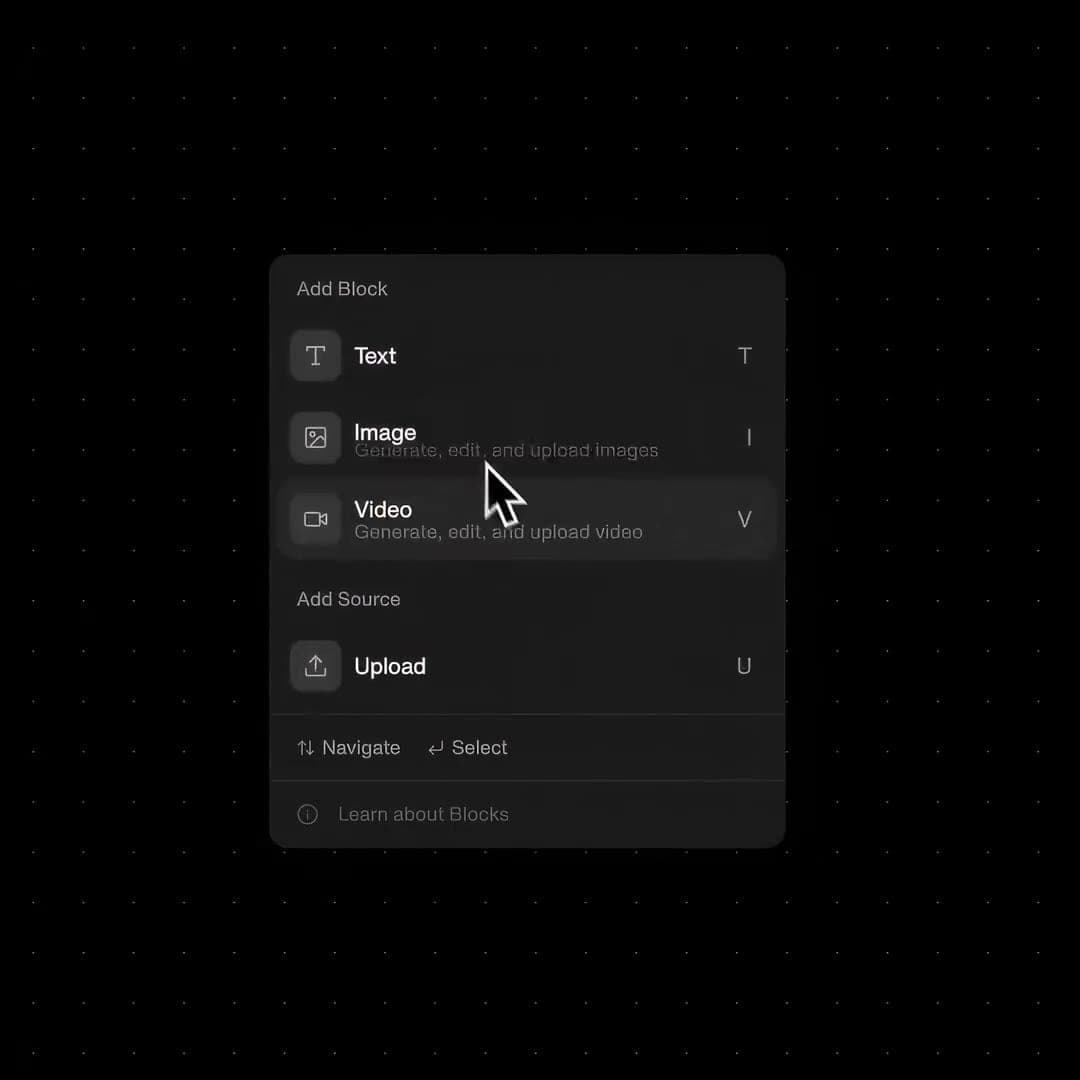
01 Describe
Write what you want to see
Type a short prompt, or upload a photo you want to change.
Simple words work best: subject, setting, style and light.
Describe an idea, or upload a photo and say what to change.
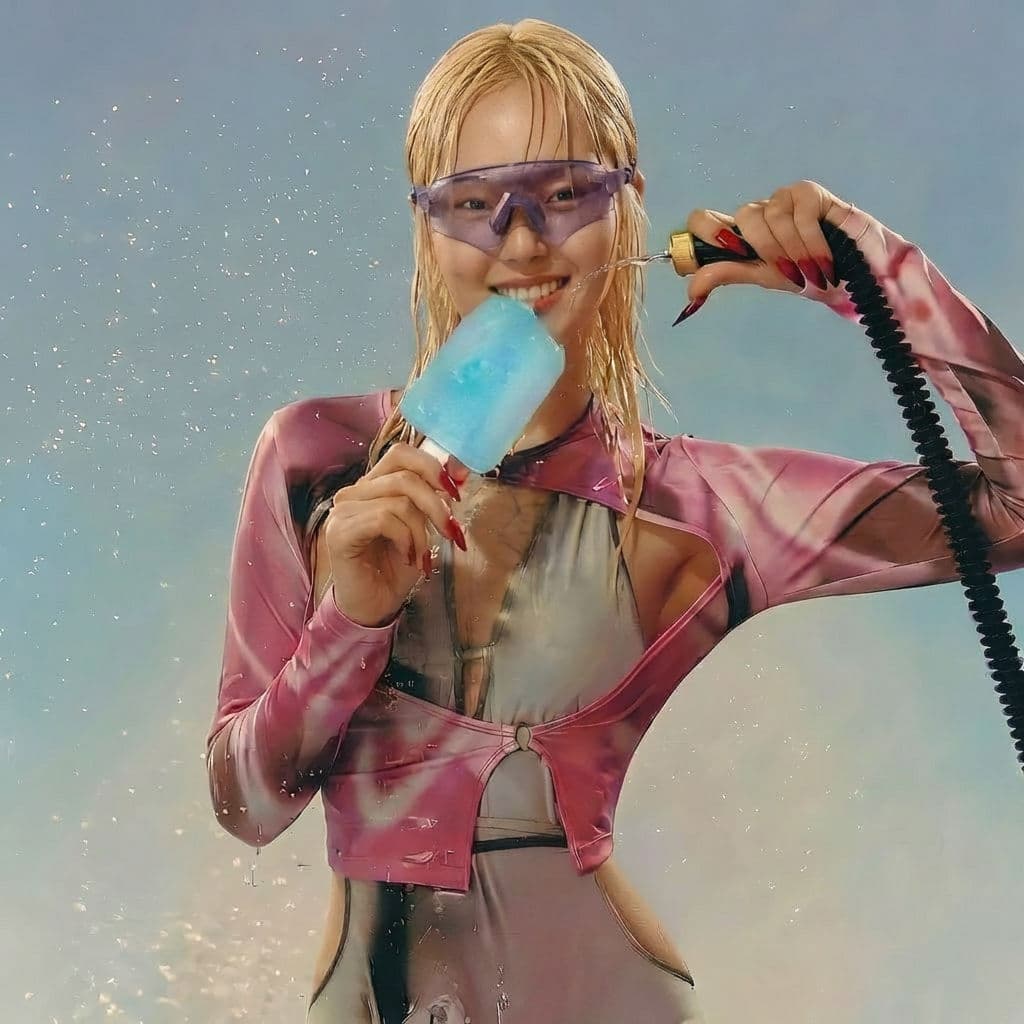 Input image
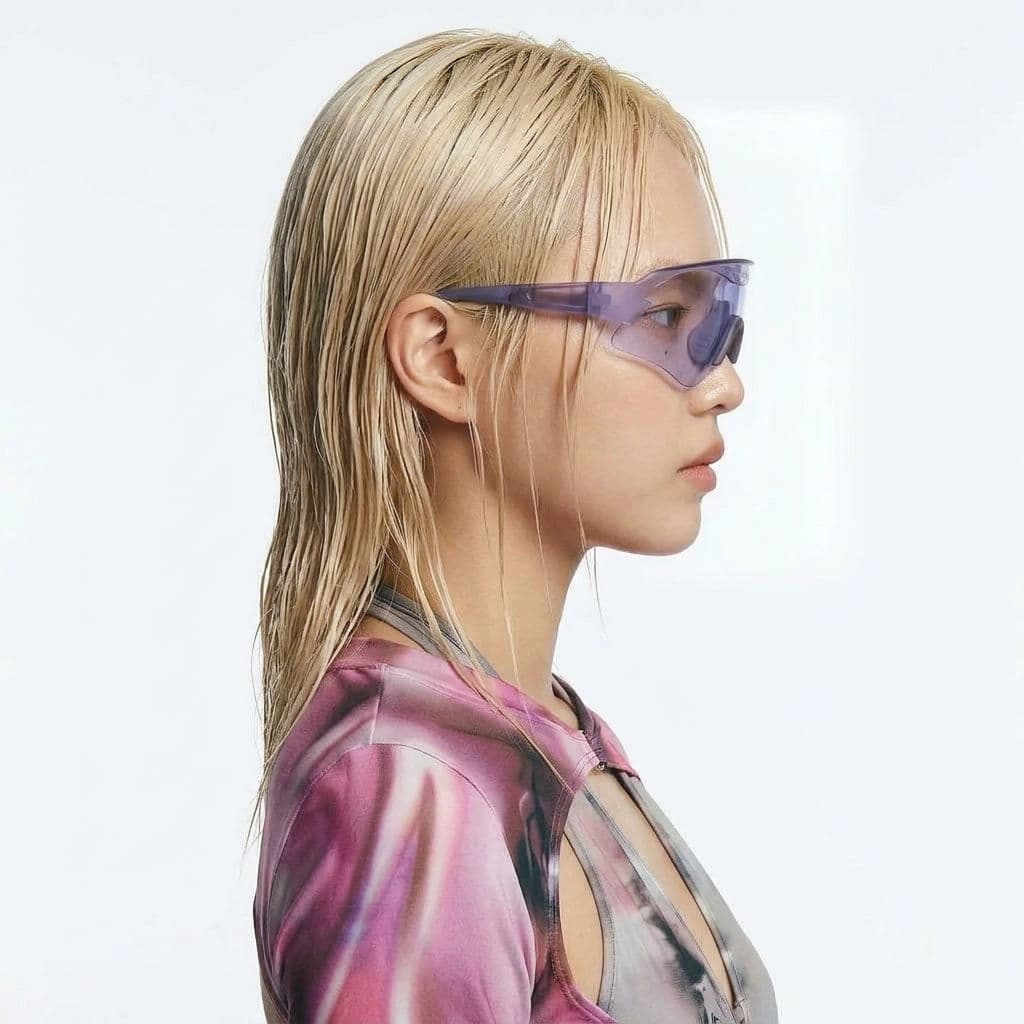 Result 1
Input
Input imageOutputs
Result 1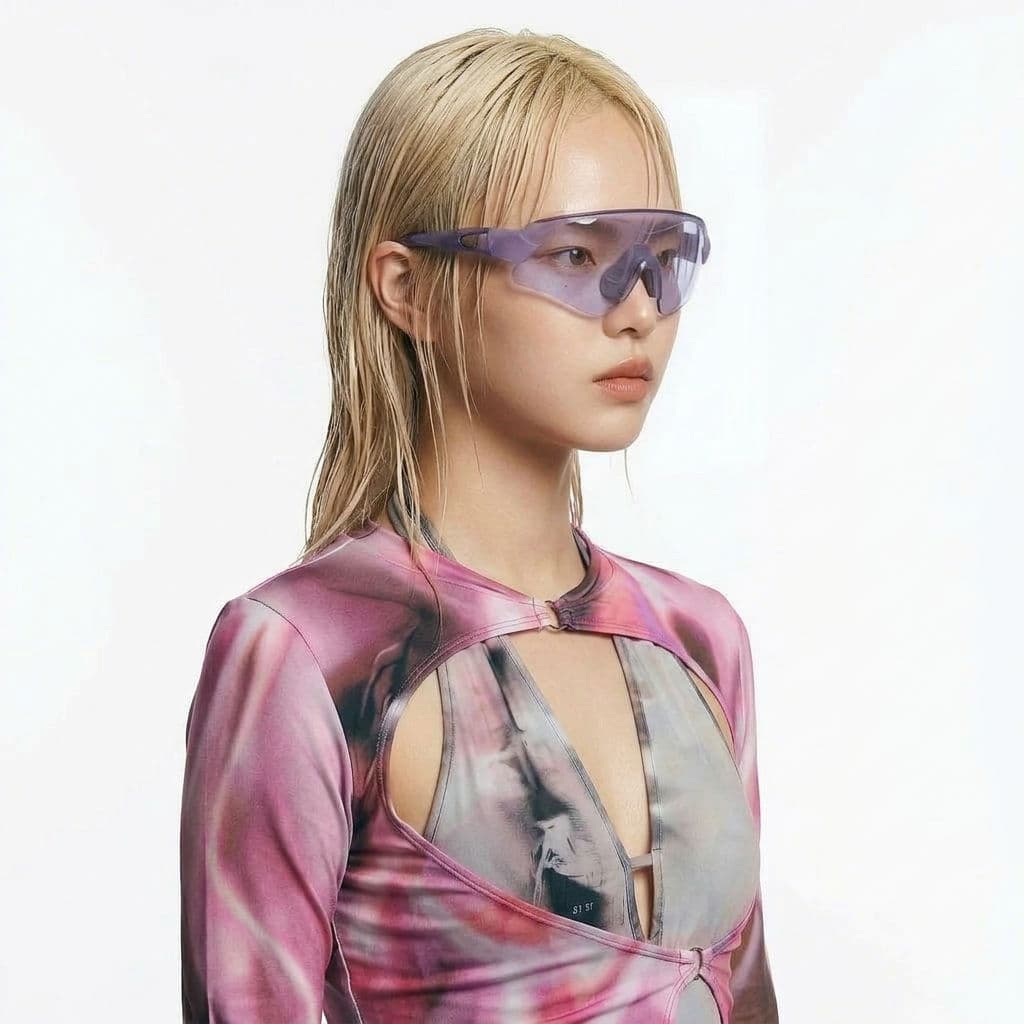 Result 2
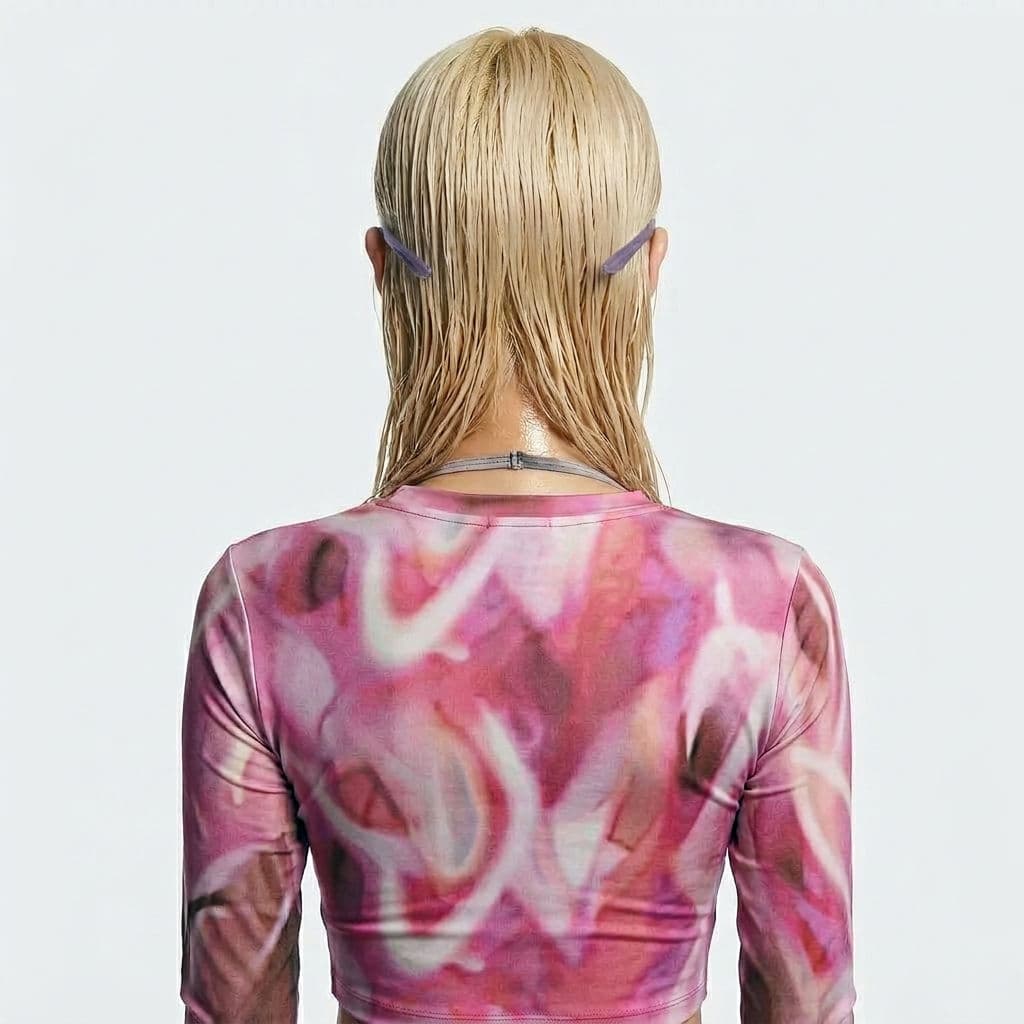 Result 3Result 4
Write a few words or upload a photo. Get polished, ready-to-use images in seconds, not hours.
Type a short description and get a finished image in about ten seconds. No design skills needed.
Upload up to three photos and tell the AI what to change, from the background to the lighting.
Pick square, portrait or widescreen so every image fits your post, ad, banner or product page.
Upload a product shot, a character or a building, then describe the look you want. The AI keeps your subject and changes the setting, style or lighting.
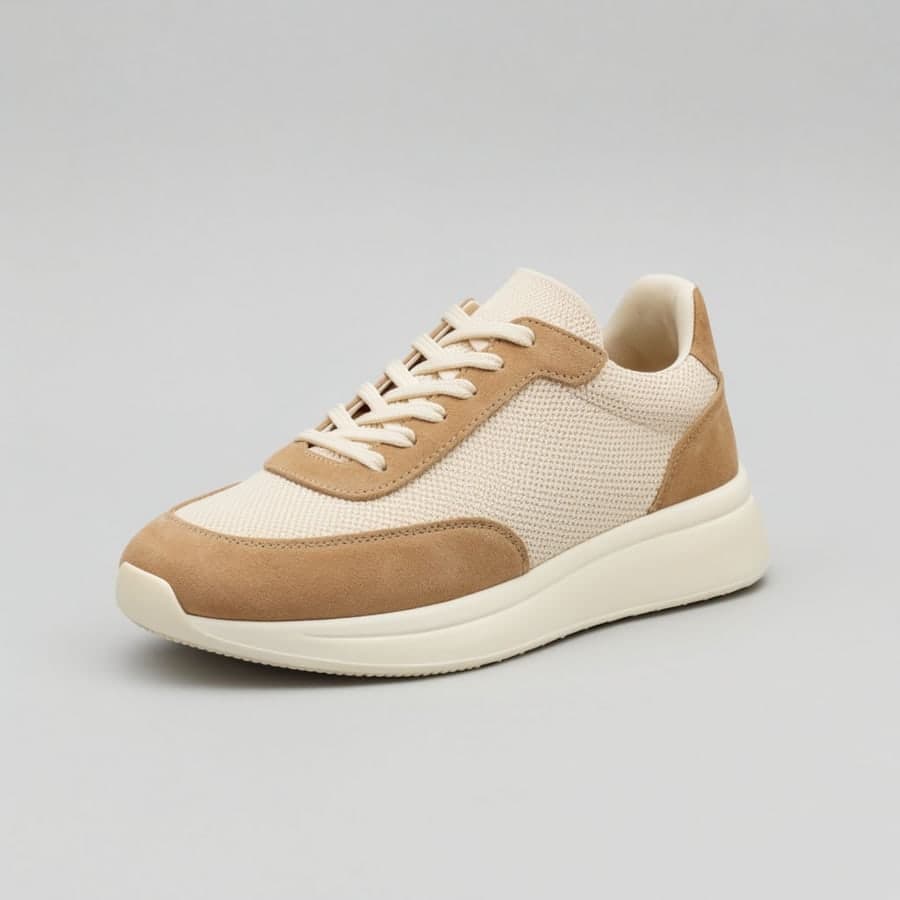
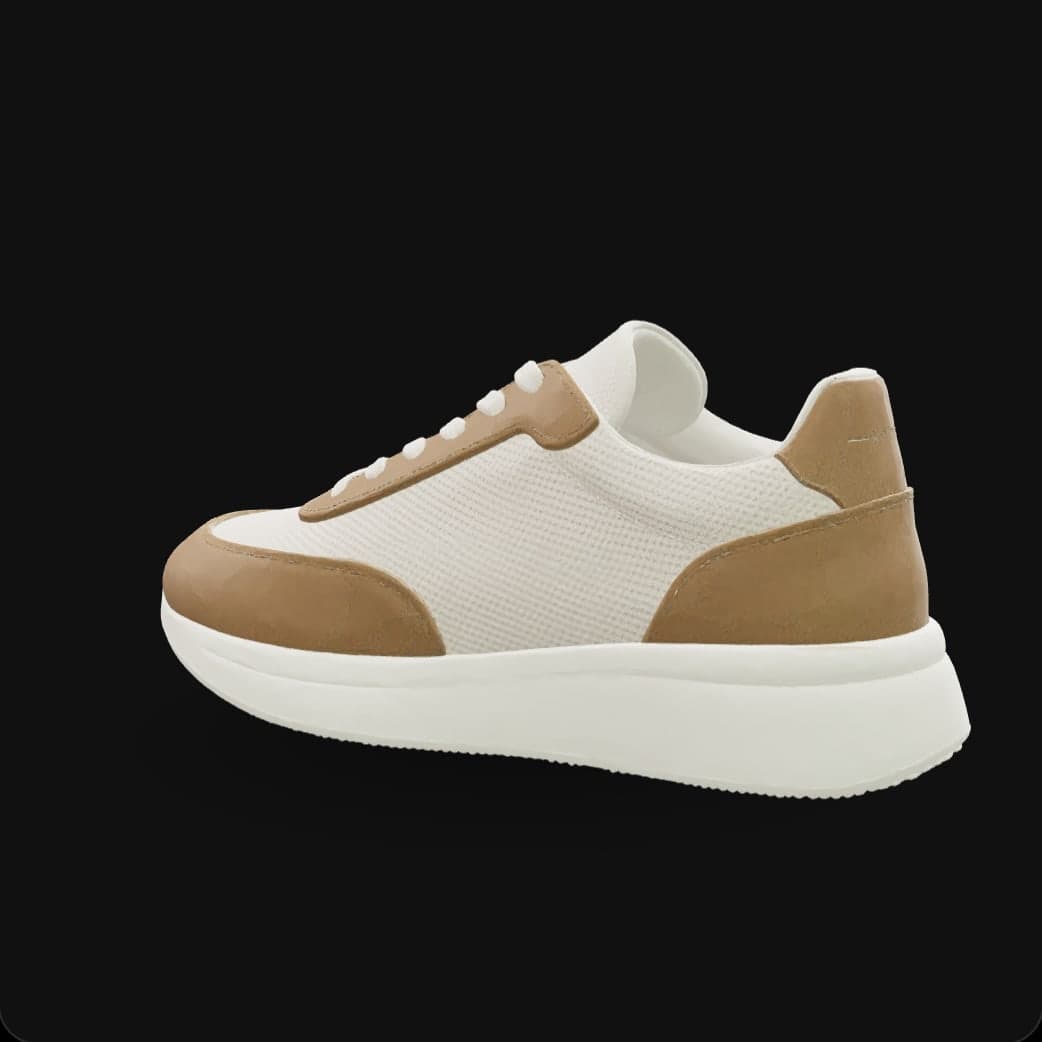
Fresh shots for every listing, ready in seconds.
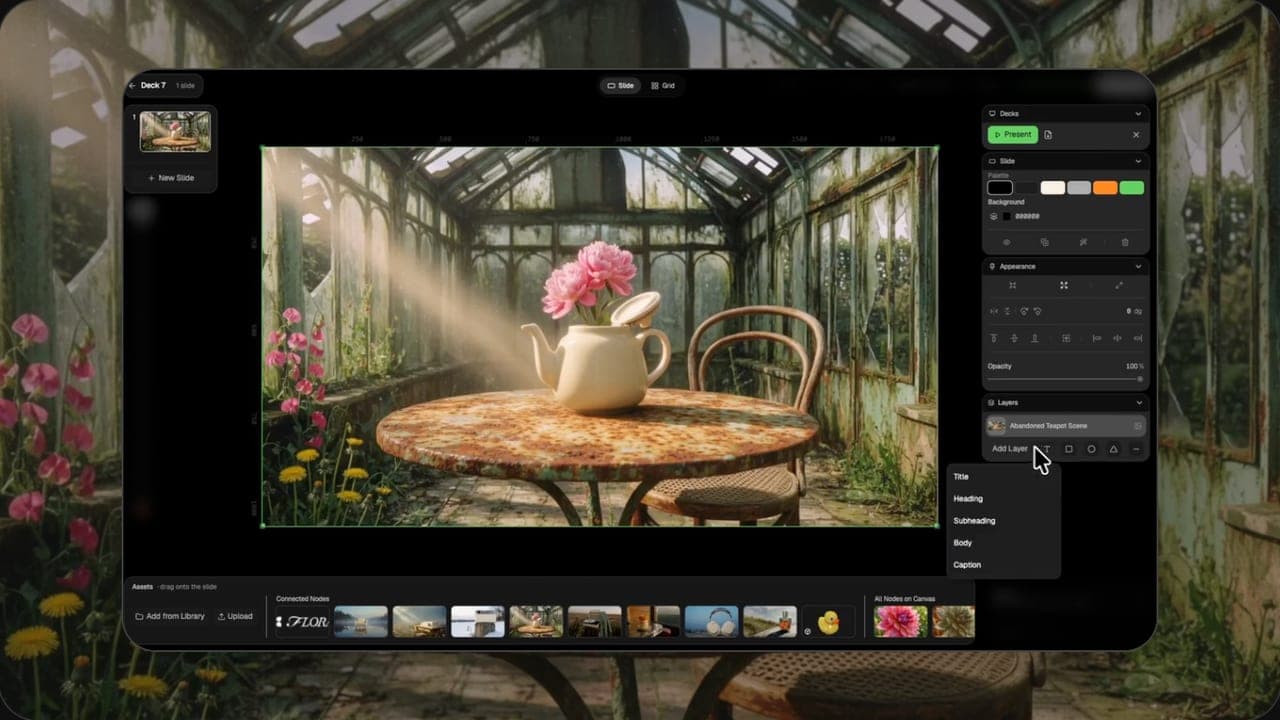
Eye-catching visuals for every feed and format.
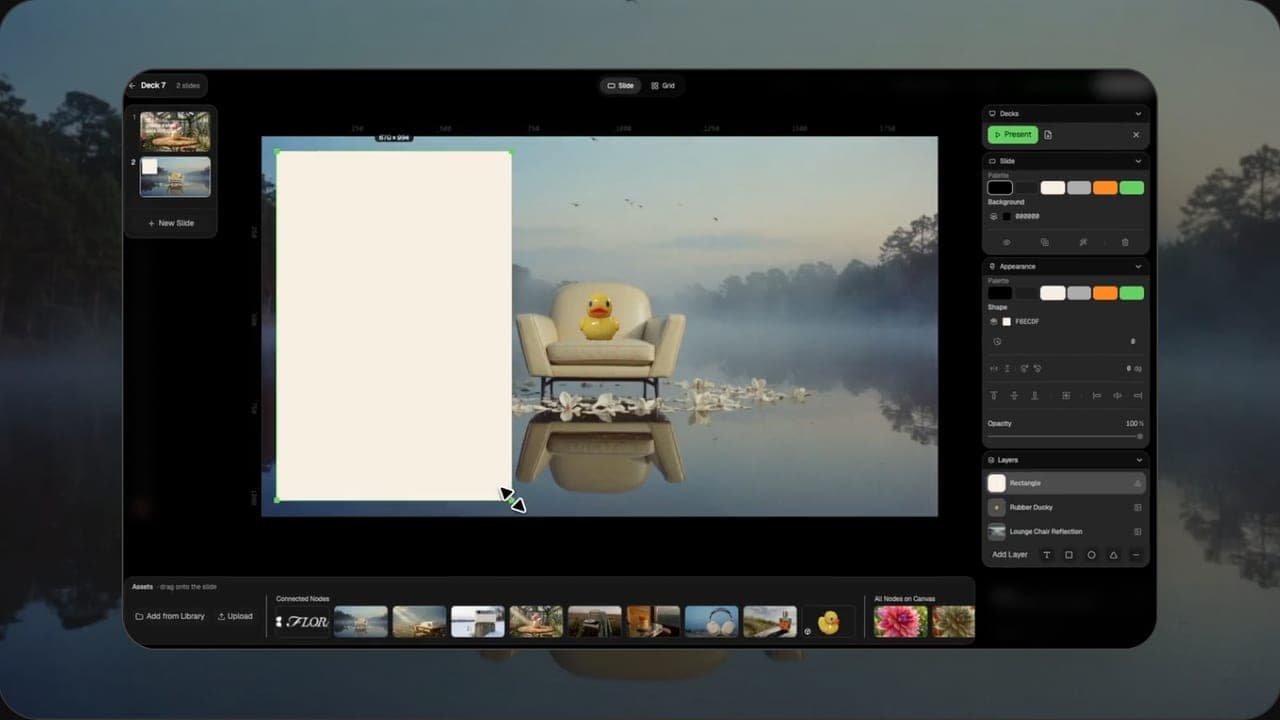
Sketch out concepts before you commit.
Nothing to install and no design skills needed. Write, generate and download, all in your browser.
01 Describe
Type a short prompt, or upload a photo you want to change.
Simple words work best: subject, setting, style and light.
02 Generate
Pick a size and press generate. Results appear in about ten seconds.
Not quite right? Tweak the prompt and run it again.
03 Download
Download a full-size JPG, or share a link anyone can open.
Every result is saved to My Works, so you can find it later.
“I make new product photos for my shop in minutes instead of booking a photo shoot every week.”
Alex Chen
Online store owner
“Editing a photo just by describing the change saves me hours every single month.”
Maria Lopez
Social media manager
We use the right model for each job, so text prompts and photo edits come out sharp, detailed and true to your words.
Turn images into video, make music from a prompt, and explore every creative tool we offer.
Turn any photo into a short moving video
Describe a song, get two full tracks
One character, 6 different angles
Upload any logo. The technique analyzes its letterforms, construction, color, and finish to infer the brand's category, audience, and visual direction.
Eclectic mood board from a photo
Design a whole font from a single letterform.
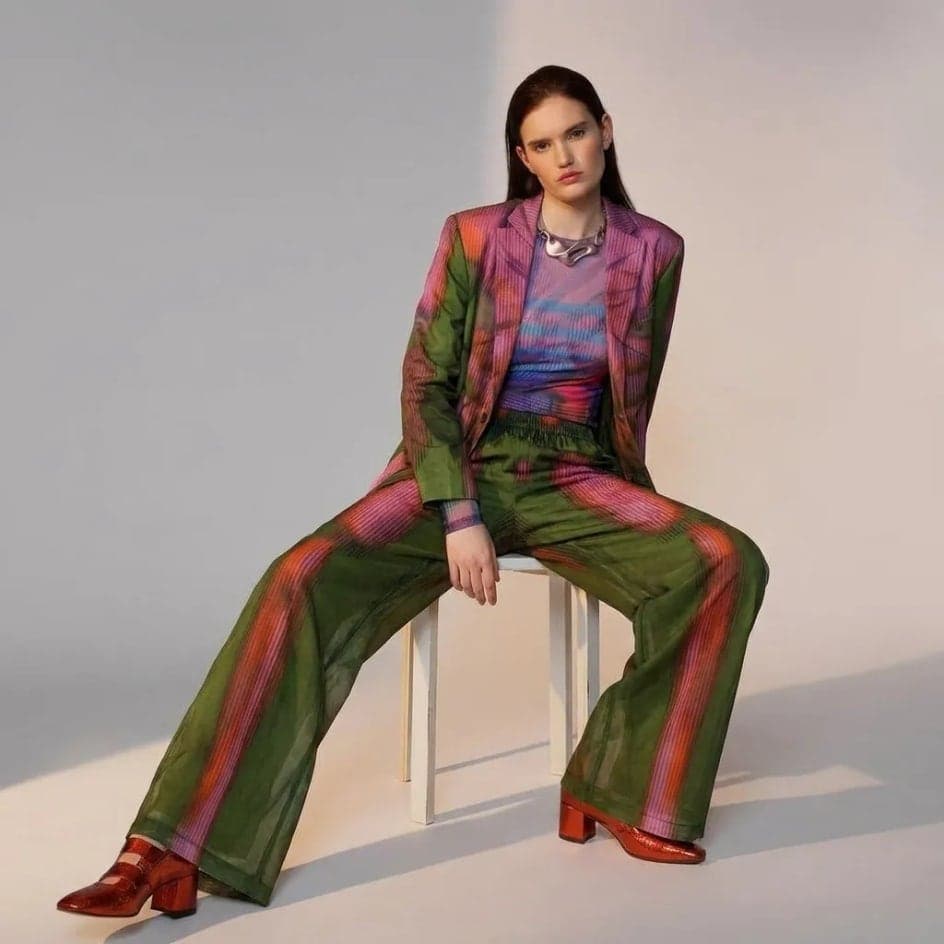
Extract outfits & swap onto new looks
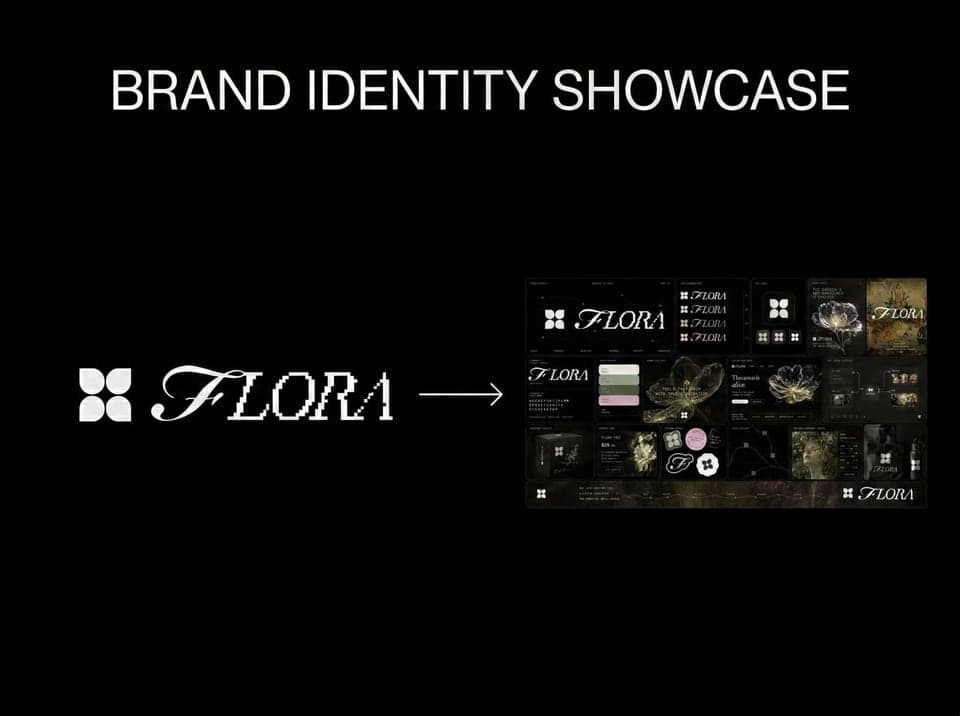
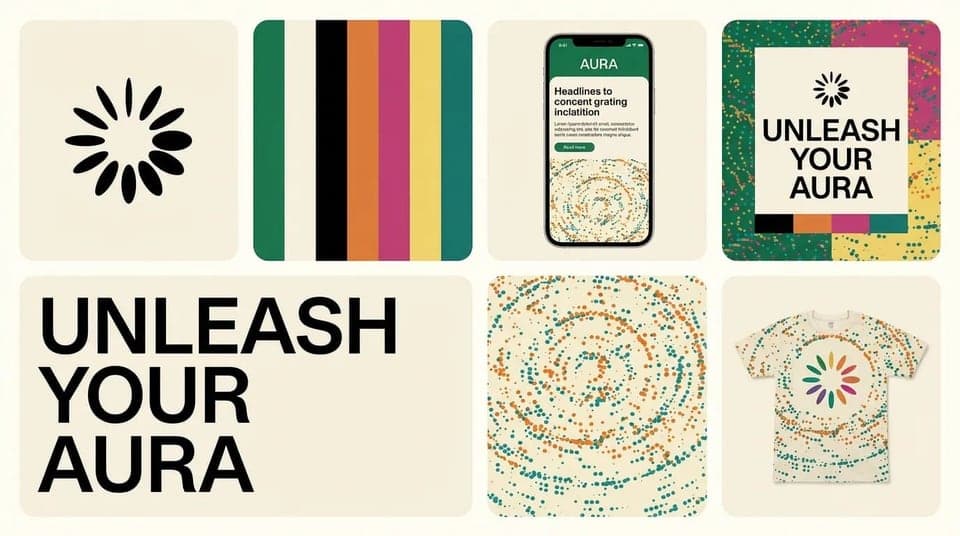
Drop brand details, get identity boards
Tips, guides and ideas for creating with AI.
Quick answers about creating and editing images with AI.
It is a tool that turns a written description into a picture. You type what you want to see, such as a subject, a setting and a style, and the AI draws a new image that matches it in a few seconds.
You can also start from a photo you already have and ask the AI to change parts of it instead of drawing from scratch.
Yes. Upload up to three photos and describe what you want to change, for example "put this bag on a marble table" or "make the light warmer". The AI keeps your subject and changes the rest. Supported formats include JPG, PNG, WebP and iPhone HEIC photos.
You can try it without an account. After the free tries, sign up to keep going: new accounts get free credits, you can collect more with the daily check-in, and each image costs a few credits. Paid plans add more credits for regular use.
Most images are ready in about ten seconds when you start from a text prompt. Editing an uploaded photo takes a little longer, usually around twenty seconds. You can keep browsing while it works, and the result appears as soon as it is done.
Choose Auto, square (1:1), portrait (3:4), tall (9:16) or widescreen (16:9) before you generate. Auto matches the shape of your uploaded photo, or makes a square image when you start from text only. Pick the shape that fits where the image will be used.
Be specific and keep it simple. Name the subject first, then add the setting, the style and the lighting, for example "a red sneaker on a sandy beach, soft morning light, product photo". If the result is close but not quite right, change one detail at a time and generate again.
Yes. You can download every image as a JPG and use it for your website, social media, ads or product pages. Please do not upload photos you do not have the rights to, and check our Terms of Service for the full details on usage.
When you are signed in, every result is saved to My Works, where you can view, download or share it at any time. Your images stay private unless you choose to share a link, and anyone with that link can only view the image you shared.
No sign-up needed to try. Free to start.