AI Music Generator - MagicSky AI
01 Describe
Write what the song is about
Describe the mood, the style and the story you want to hear.
Name a genre, a mood and one or two instruments.
Describe the mood, the style and the story. Get two songs back.
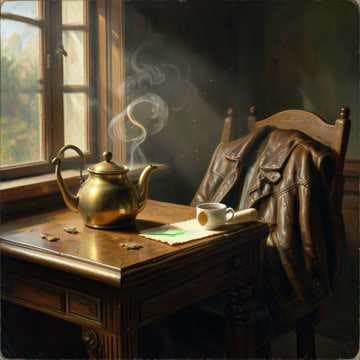
The Whole Room Smiled
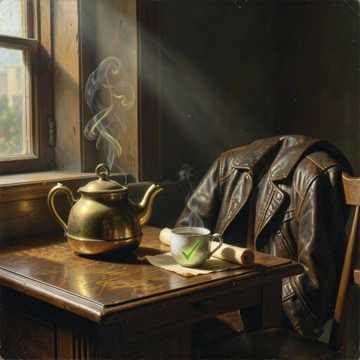
The Whole Room Smiled
Input
An upbeat indie pop song about a small team shipping a product late at night, with bright acoustic guitar and warm vocals.
PromptOutputs
The Whole Room Smiled
The Whole Room Smiled
Write a few words about the song you want. Get finished tracks with vocals in about a minute.
Describe a mood or a story and get two full songs back in about a minute. No music skills needed.
The AI writes the lyrics, picks the style and names the song, then sings it with a natural voice.
Every prompt gives you two different versions, so you can keep the one that fits your project best.
Describe the style, the mood and what the song is about. The AI writes the lyrics, composes the music and sings it, giving you two takes to choose from.
An upbeat indie pop song about a small team shipping a product late at night, with bright acoustic guitar and warm vocals.
The Whole Room Smiled
Fresh tracks for every clip, ready in minutes.
A personal song for birthdays and events.
Sketch melodies before you record.
Nothing to install and no music skills needed. Describe, generate and download, all in your browser.
01 Describe
Describe the mood, the style and the story you want to hear.
Name a genre, a mood and one or two instruments.
02 Generate
Press generate and two full tracks with vocals appear in about a minute.
Not quite right? Tweak the prompt and run it again.
03 Download
Download each song as an MP3, or share a link anyone can open.
Every song is saved to My Works, so you can find it later.
“I make background music for every product video in minutes instead of digging through stock sites.”
Alex Chen
Video creator
“I wrote a birthday song for my sister with her name in it, and she played it all day.”
Maria Lopez
Happy customer
We use a proven text-to-music model, so every song comes with clear vocals, real lyrics and a full arrangement.
Create images from text, turn photos into video, and explore every creative tool we offer.
Create an image from text, or edit a photo
Turn any photo into a short moving video
One character, 6 different angles
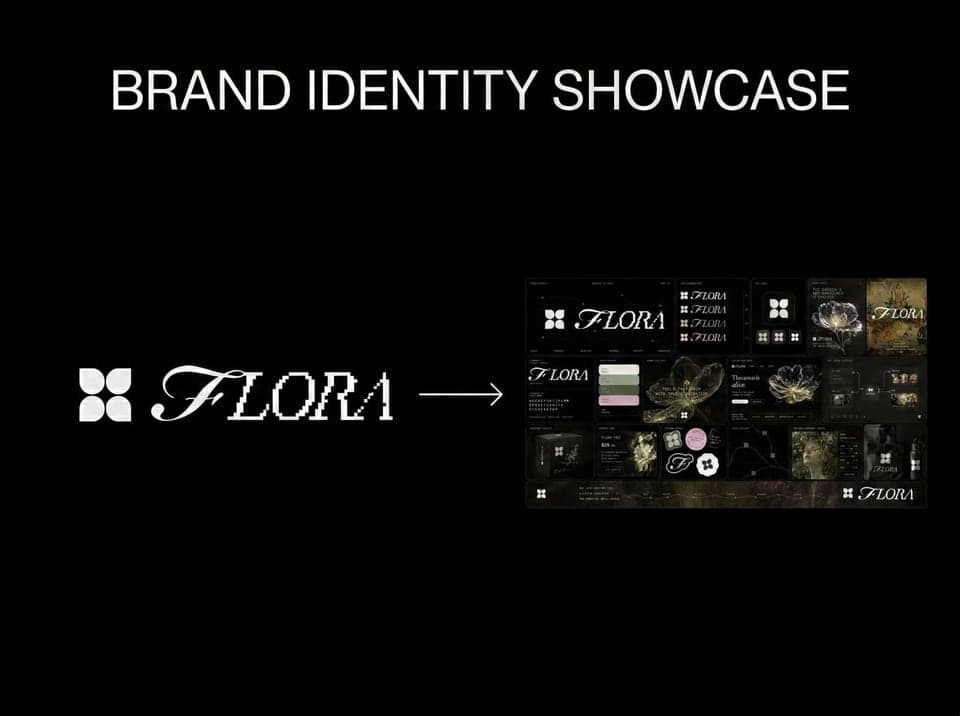
Upload any logo. The technique analyzes its letterforms, construction, color, and finish to infer the brand's category, audience, and visual direction.
Eclectic mood board from a photo
Design a whole font from a single letterform.
Extract outfits & swap onto new looks
Drop brand details, get identity boards
Tips, guides and ideas for creating with AI.
Quick answers about making songs with AI.
It is a tool that turns a written description into a song. You describe the mood, the style and what the song is about, and the AI writes the lyrics, composes the music and sings it.
Each prompt gives you two different versions to choose from.
Describe the genre, the mood and the story, for example "an upbeat pop song about a road trip with friends, bright guitar". You can mention instruments, a male or female voice, or names and places you want in the lyrics. Short, clear prompts work best.
You can try it without an account. After the free tries, sign up to keep going: new accounts get free credits, you can collect more with the daily check-in, and each generation costs a few credits. Paid plans add more credits for regular use.
Most songs are ready in about a minute, and you always get two versions from one prompt. Each song is usually two to four minutes long. You can keep browsing while it works, and both songs appear as soon as they are done.
Most songs do. The AI writes words that fit your prompt and sings them for you. When you open a song, the lyrics scroll along with the music so you can follow every line, and you can jump to any line by clicking it.
Yes. Click + in the prompt box to upload an optional cover image, such as a photo or artwork in JPG, PNG, WebP or HEIC format. If you skip it, each song gets its own cover automatically, so the result always looks finished.
Yes. You can download every song as an MP3 and use it in your videos, social media posts or personal projects. Please do not ask for lyrics or styles you do not have the rights to, and check our Terms of Service for the full details on usage.
When you are signed in, every song is saved to My Works, where you can play, download or share it at any time. Your songs stay private unless you choose to share a link, and anyone with that link can only listen to the song you shared.
No sign-up needed to try. Free to start.